1. Check and update the OS if there is an update.

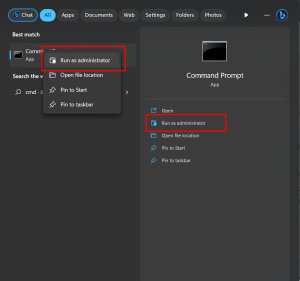
2. Run CMD as administrator
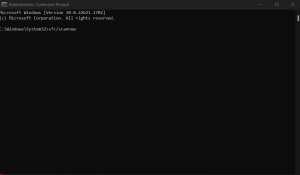
3. Put this command sfc/scannow and wait until it finishes
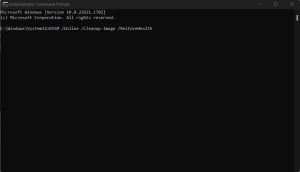
4. After the first command process, input this command DISM /Online /Cleanup-Image /RestoreHealth
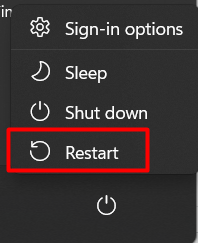
5. After all command is finished, restart the computer
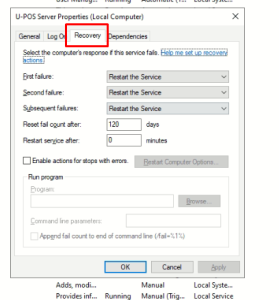
6. Go to Services the find UPOS Server. Just click properties and go to the recovery tab and follow these settings